How to Respond to Google Reviews: Complete Guide with Examples
The Challenges of Responding to Google Reviews
Responding to all your Google reviews takes an enormous amount of time, especially if you manage multiple locations.
Finding the right words for each review, whether positive or negative, requires thought and can be stressful.
Responding to negative reviews professionally without being defensive is a delicate exercise.
If you don't respond quickly, potential customers may think you don't care about your reputation.
Personalizing each response so it doesn't seem automatic or generic takes time.
Strategies for Responding Effectively to Reviews
Respond quickly: Ideally within 24-48 hours. This shows you're attentive and responsive.
Personalize each response: Mention a specific detail from the review to show you've really read it.
Always thank: Even for negative reviews, start by thanking the customer for taking the time to share their experience.
For negative reviews: Apologize, offer a solution and invite to continue the conversation privately.
For positive reviews: Express your gratitude and mention you'll be happy to welcome them again.
EasyReviews AI Generates Your Responses
AI-Generated Responses
EasyReviews artificial intelligence analyzes each review and generates a personalized, professional response adapted to the review's tone.
Significant Time Savings
No more spending hours writing responses. The AI does the work in seconds and you can modify if necessary.
Centralized Management
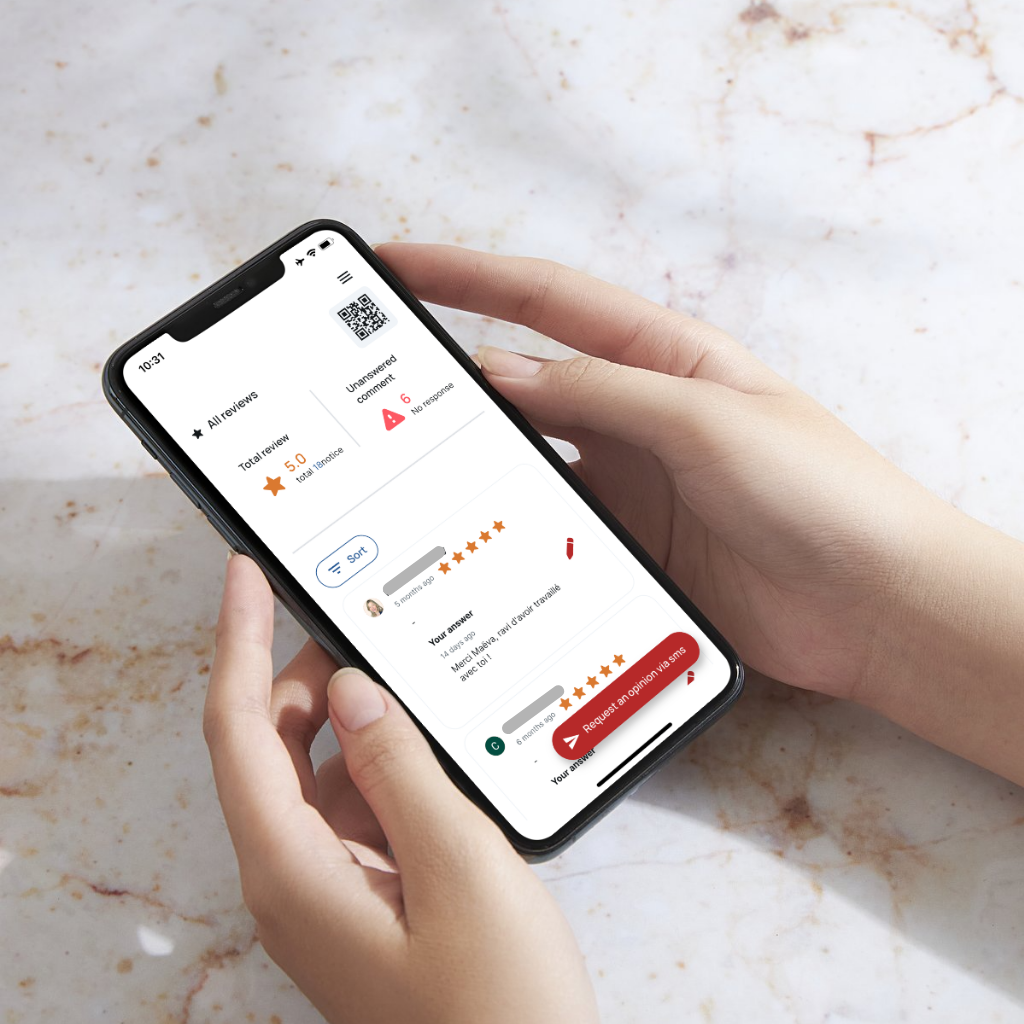
View and respond to all your reviews from a single interface, even if you manage multiple locations.
Real-Time Notifications
Receive a notification as soon as a new review is published so you can respond quickly.