Negative Google Reviews: How to Handle Them and Turn Them Into an Opportunity
Why Negative Reviews Feel So Threatening
Receiving a negative Google review is a stressful experience for any business owner. Yet it's an unavoidable reality.
A single 1-star review can lower your overall rating and deter potential customers, especially if you have few reviews in total.
Not responding to a negative review is even worse: 53% of customers expect businesses to respond within 7 days. Silence is perceived as indifference.
Responding too emotionally can escalate the situation and further damage your public image.
Many business owners simply don't know what to say when faced with an unfair or exaggerated complaint.
How to Respond to a Negative Review Effectively
Stay calm and professional: Never respond in the heat of the moment. Wait a few hours if needed. A composed reply demonstrates maturity.
Thank the customer: Always start by thanking the person for taking the time to leave feedback, even if it's negative.
Acknowledge the issue: Show empathy without necessarily admitting fault. "I understand your frustration" goes a long way.
Offer a concrete solution: Invite the customer to contact you directly to resolve the issue. This demonstrates your commitment.
Be concise: A 3-4 line response is ideal. Avoid lengthy justifications that can come across as defensive.
Dilute negative reviews: At the same time, use EasyReviews to reach out to happy customers so positive reviews outnumber the negative ones.
How EasyReviews Helps Minimize the Impact of Negative Reviews
Collect More Positive Reviews
The more 5-star reviews you have, the less impact an isolated negative review has on your overall score. EasyReviews helps you collect more every week.
AI-Powered Review Responses
EasyReviews generates professional responses to your Google reviews — both positive and negative — tailored to the tone of each comment.
Centralized Dashboard
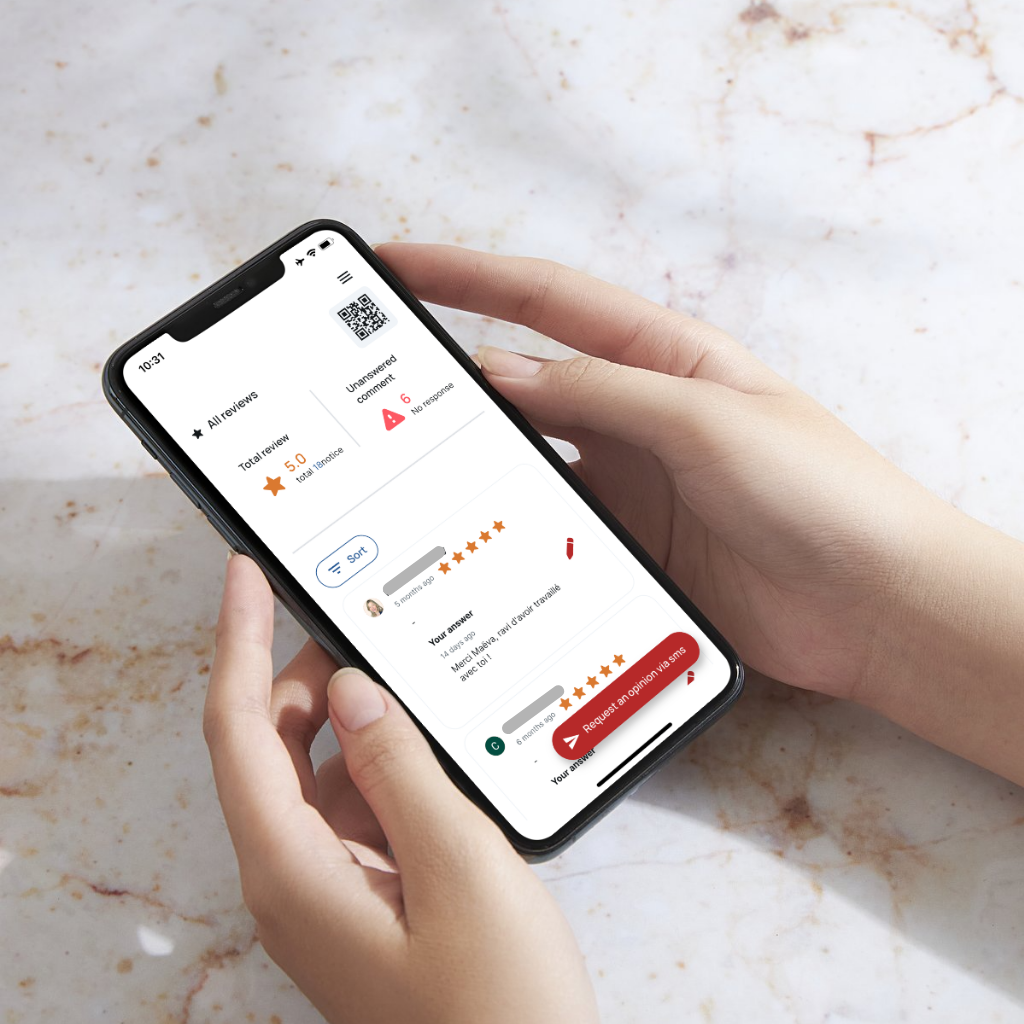
Monitor all your reviews from a single interface and never miss a negative comment that requires an urgent response.
Multi-Location Management
If you manage multiple locations, monitor each one's reputation without juggling between different Google accounts.