How to Ask for a Google Review: Complete Guide and Best Practices 2026
Why Asking for a Google Review is Difficult
Asking for a Google review may seem simple, but many professionals face these obstacles:
Timing is crucial: asking too early or too late drastically reduces the chances of getting a review.
The awkwardness of asking directly face-to-face holds back many professionals, especially in sensitive sectors.
Without a structured process, you forget to ask or do it inconsistently.
Explaining to your customers how to leave a Google review takes time and can be confusing.
How to Ask for a Google Review Effectively
Ask immediately after a positive experience: The best time is right after providing your service, when satisfaction is at its peak.
Use multiple channels: SMS, email, or verbally depending on your industry and customer relationship.
Make it as simple as possible: Send a direct link that leads directly to the page where the customer can write their review.
Be specific: Say "Can you leave a Google review?" rather than "Can you leave a review?"
Follow a routine: Integrate the review request into your service completion process.
EasyReviews Simplifies Your Review Requests
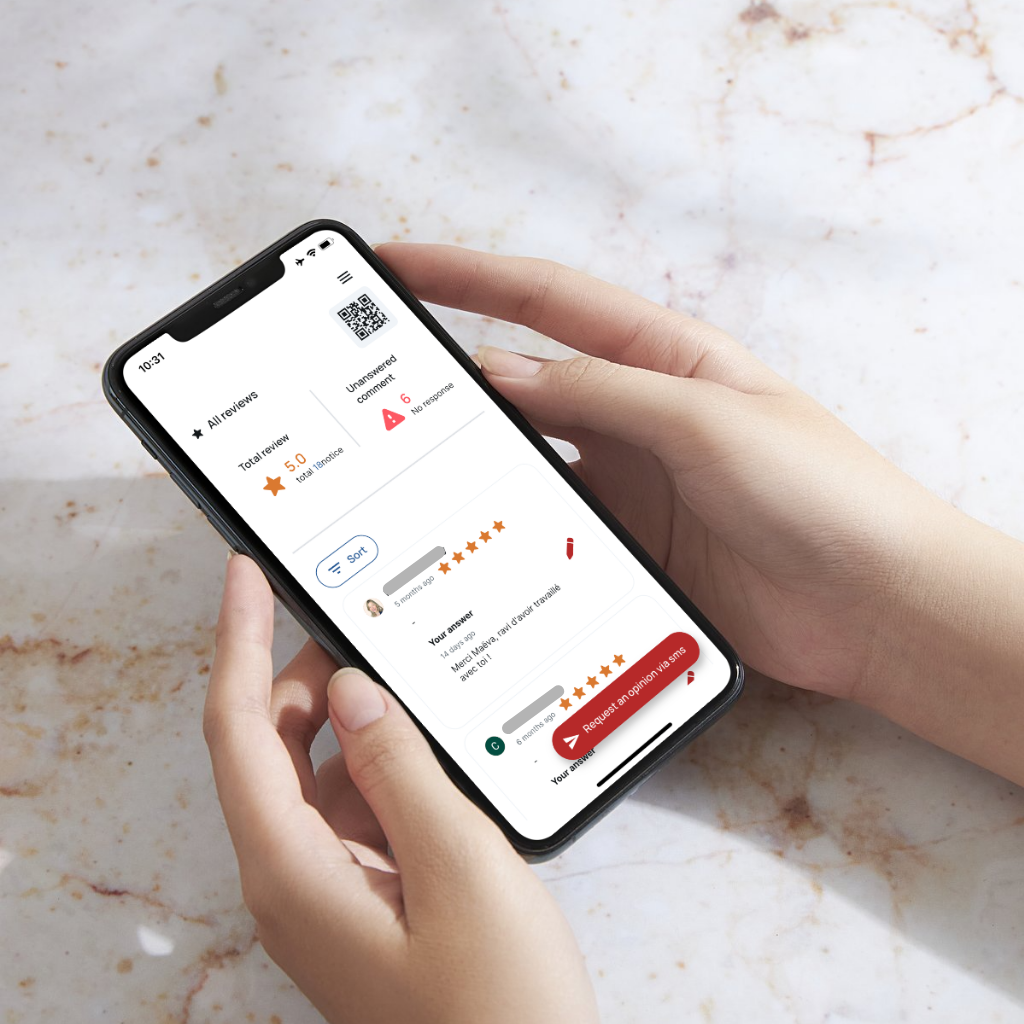
One-Click SMS Sending
After each service, send a Google review request via SMS directly from your phone. Your customer receives a clickable link instantly.
Perfect for Mobile Professionals
Tradespeople, real estate agents, healthcare professionals: ask for a review even when you're in the field, without a computer.
Direct Link to Your Google Listing
The SMS contains a link that leads directly to your business review page. No confusion possible for your customers.
Track Your Requests
View the history of all your sent review requests and identify customers who haven't responded yet.